
YouTube Custom Feeds Arrive: Build Your Own Video Feed
YouTube custom feeds let you describe what you want to watch and get a personalised video feed. Learn how it works, who gets it and how many feeds you can save.
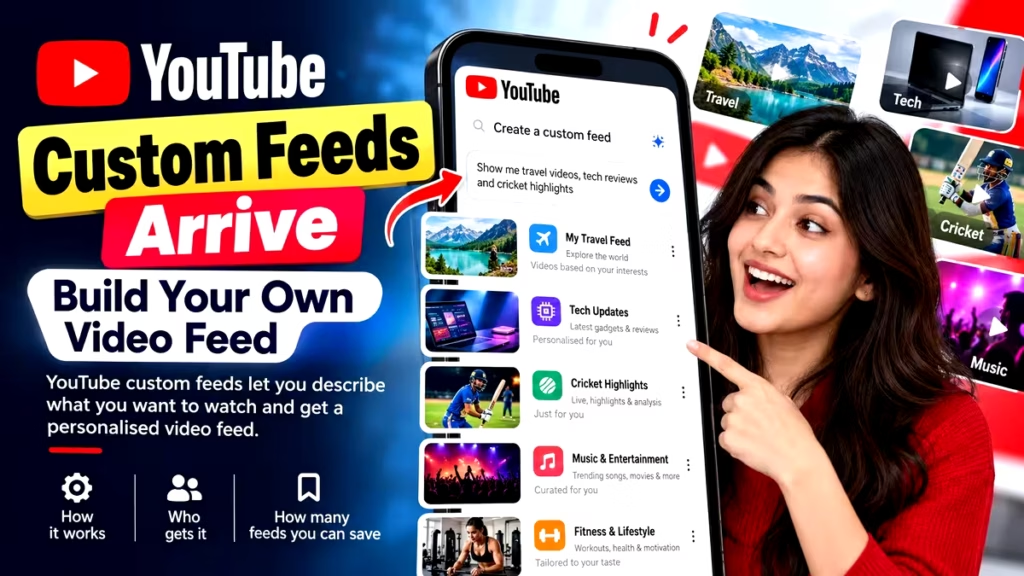
YouTube Custom Feeds: What Has Changed?
Tired of scrolling through recommendations that never quite match your mood? YouTube is now offering a fix. The platform has introduced YouTube custom feeds, a feature that lets users type out what they want to watch and get a separate feed built around it.
The update is rolling out on both mobile and desktop. YouTube has also redesigned the Home tab in its mobile app. Live, Music, and Movies & TV now get their own feeds, and the Subscriptions feed has moved to the top bar of the Home tab.
For now, the feature is available only in the United States. YouTube has indicated it may reach users in other countries later.
What Is the YouTube Custom Feeds Feature?
YouTube custom feeds let users create a separate video feed by writing a short description of the content they want. YouTube then uses that description, called a prompt, to prepare a personalised feed.
According to the company, the aim is to make finding videos faster and simpler. Instead of depending only on general recommendations, users can shape what they see.
Here is a simple example. A viewer who types “guided meditation or yoga classes under ten minutes” will get a feed built around that description.
How to Create a Custom Feed on YouTube
To create a custom feed, tap the plus button at the top of the YouTube Home feed, write what you want to watch, and YouTube builds the feed.
The steps are short:
Open the YouTube Home feed.
Tap the plus button at the top.
Type the kind of videos you want to see.
YouTube generates a separate feed from your prompt.
Saved feeds stay at the top of the screen, so you do not need to start over each time. You can switch between feeds depending on your interest at that moment.
To change a feed, tap the prompt box at the top of it and edit the text. One caution: if a custom feed goes unused for 30 days, its prompt may expire.
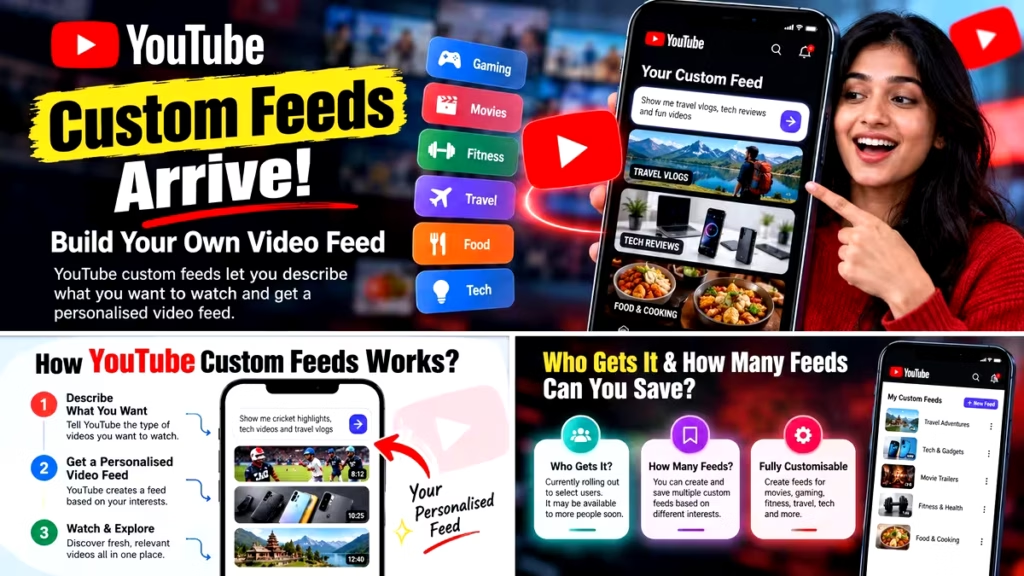
YouTube Custom Feeds Limit: Free vs Premium Users
The number of feeds you can keep depends on your subscription.
User type Active custom feeds allowed
Free users Up to 3
YouTube Premium users Up to 8
Premium subscribers get more room to organise their interests, such as separate feeds for learning, music, fitness, and entertainment.
Do YouTube Custom Feeds Work on Mobile and Desktop?
Yes, YouTube custom feeds work on both mobile and desktop. A feed created on your phone will also appear on your computer.
There is one condition. You must be signed in to the same Google account on both devices. That keeps your saved feeds in sync wherever you watch.
Who Can Use YouTube Custom Feeds Right Now?
The feature is currently rolling out in English on mobile and desktop. In the US, it is available to signed-in users who are 13 or older. The source material also mentions that the account’s search history setting should be turned on, so users who do not see the feature may want to check that setting.
There is no information yet on availability in India or other countries. Indian users should wait for an official announcement from YouTube.
YouTube Home Tab Redesign: Subscriptions Feed Gets a New Spot
The custom feeds launch comes with changes to the mobile Home tab. The top bar now carries feeds such as Live, Music, and Movies & TV. These options are meant to help users reach different content categories faster.
The Subscriptions feed has also moved. It used to sit separately at the bottom of the app. It is now part of the top bar of the Home tab. Viewers can reach videos from channels they follow without hunting for a separate section.
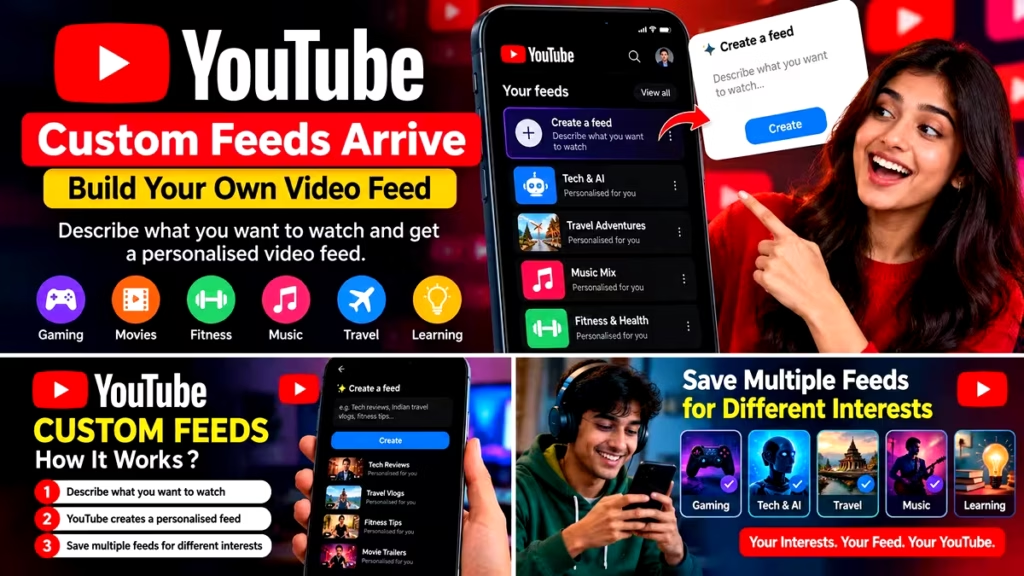
What This Means for Viewers
For everyday users, the change gives more control over what appears on screen. Someone who wants short workout videos in the morning and long podcasts in the evening can keep two separate feeds instead of retraining the algorithm.
For creators, clear titles and descriptions may matter more, since viewers are now searching for content by describing it in their own words. That is an expectation, not something YouTube has confirmed.
YouTube Custom Feeds: Frequently Asked Questions
What are YouTube custom feeds?
They are personalised video feeds that users create by writing a short prompt describing what they want to watch.
How do I make a custom feed on YouTube?
Tap the plus button at the top of the Home feed, type your preference, and YouTube creates the feed.
How many custom feeds can I save?
Free users can save up to three active feeds. YouTube Premium users can save up to eight.
Are YouTube custom feeds available in India?
Not yet. The feature is currently limited to the United States, and there is no announcement for India.
Will my custom feed work on my computer too?
Yes, as long as you are signed in to the same Google account on both devices.
Conclusion: YouTube Custom Feeds Put Viewers in Control
YouTube custom feeds shift video discovery from passive scrolling to active choice. By describing what they want, viewers can build their own feeds, save them, and move between them on mobile and desktop. With the Home tab redesign and the new position of the Subscriptions feed, YouTube is clearly trying to make the app easier to use. Whether and when the feature reaches India is still unknown.
Stay connected with Soochnatantra for such latest news from the entertainment world.